

Smart home devices: compatibility and where to start
A smart home starts with a specific task, not the largest number of devices. Choose what to control or monitor, then check the app, connection and compatibility. A Wi-Fi label does not establish operation in a shared system or without internet access.
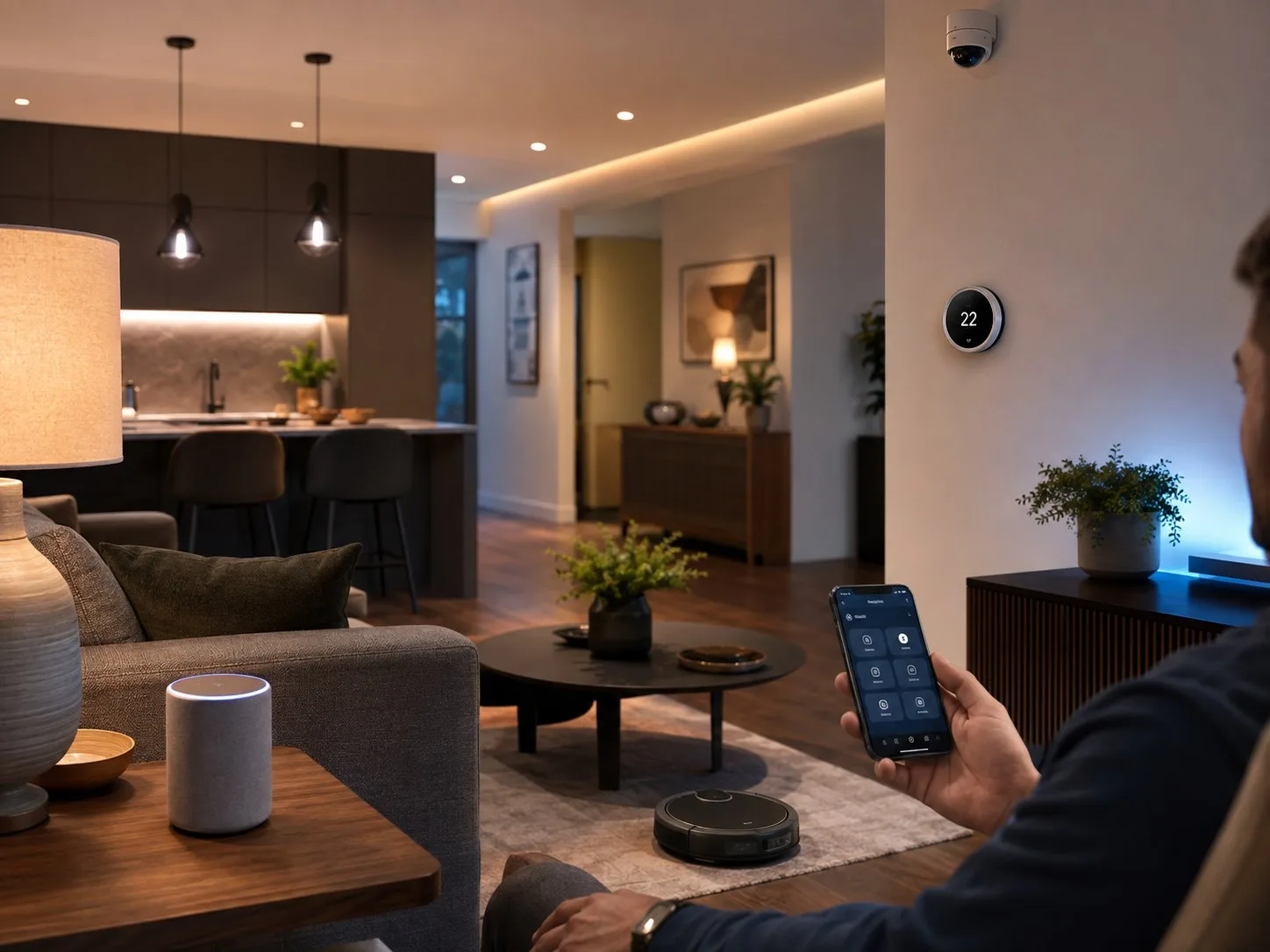
Smart home devices: tasks and selection checks
| Device type | Possible task | What to check |
|---|---|---|
| Lighting | Schedule or scene | Fitting, switch and supported functions |
| Smart plug | Switching an allowed appliance | Load type, power and state after an outage |
| Sensor | Movement or water notification | Controller, battery, connection and alerts |
| Curtain control | Scheduled opening | Track, weight, power and controller |
| Temperature control | Adjustment by operating mode | Heating compatibility and installation |
| Standalone Wi-Fi appliance | Monitoring data or remote control | App, region and integration documentation |
Where to start: one task and a trial
Choose a clear first task, such as an evening lamp schedule or opening curtains. Record the action, users and manual alternative. The table describes device types, not guaranteed availability of every model.
Check the exact product and instructions. A Wi-Fi weather station may send data to its own service, while a curtain motor may use a separate controller. That does not establish integration between them. Try a small setup before equipping the whole home.
Compatibility: Wi-Fi, Matter, Thread and controllers
Wi-Fi describes a network connection; Matter is a standard for compatible control. Matter can use Wi-Fi or Thread. A Thread device needs a suitable border router, and a Matter system needs a compatible controller. One product may provide both roles, but this must be checked.
A Zigbee device does not become a Matter device through similar purpose. A compatible bridge may expose some functions when supported. Record the exact model, controller, software requirements and functions. Extra modes may remain exclusive to the manufacturer’s app.
Connectivity and operation without internet
Check home-network operation separately from remote access elsewhere. Some functions may depend on a cloud service, account or subscription. If the manufacturer requires 2.4 GHz Wi-Fi, a 5 GHz-only network does not meet that requirement.
Check loss of internet and switching off the router as separate situations. Assess manual buttons, saved timers and the state after power returns. Remote Matter control may require an internet-connected controller operating in the home.
Installation, accounts and everyday use
A plug’s rated load must suit the appliance; motor starting conditions differ from a simple lamp. Do not switch critical equipment with a general savings schedule or automate heating or cooking without manufacturer permission. Use a professional for fixed switches or heating controls where required.
Update devices, use separate strong passwords and check family access rights. For cameras, assess recording location, retention and privacy. A phone notification does not guarantee prevention of damage; batteries, connectivity and alerts need checking.
Does a smart home save energy?
Automation may remove unnecessary operation, but savings depend on habits and device consumption. Example: a 10 W load running for 10 hours uses 100 Wh, or 0.1 kWh. This is a hypothetical calculation, not a savings promise for a specific plug or home.
Compare similar periods and subtract consumption by new devices. Budget for controllers, installation, batteries and subscriptions. Universal payback or a higher property selling price cannot be promised.
Checklist before buying
- Task and manual alternative selected.
- Model, app and region confirmed.
- Controller, bridge and network requirements checked.
- Actually supported functions confirmed.
- Internet and power failures assessed.
- Load, installation and access rights confirmed.
- Additional costs counted.
Frequently asked questions
Are all Wi-Fi devices compatible?
No. A network connection does not confirm a shared app, scenes or controller. Check the exact model’s integration documentation.
Does Matter mean no controller is needed?
No. Check Matter controller and Thread border-router requirements. Manufacturer-specific extras may not be exposed to another system.
Can I start in a rented apartment?
With compatible non-fixed devices where permitted. Agree installation changes with the owner; remove account access and network data according to instructions when moving.
Will a device work without internet?
It depends on the model and function. Buttons, local control, automation and remote notifications may behave differently; check each separately.